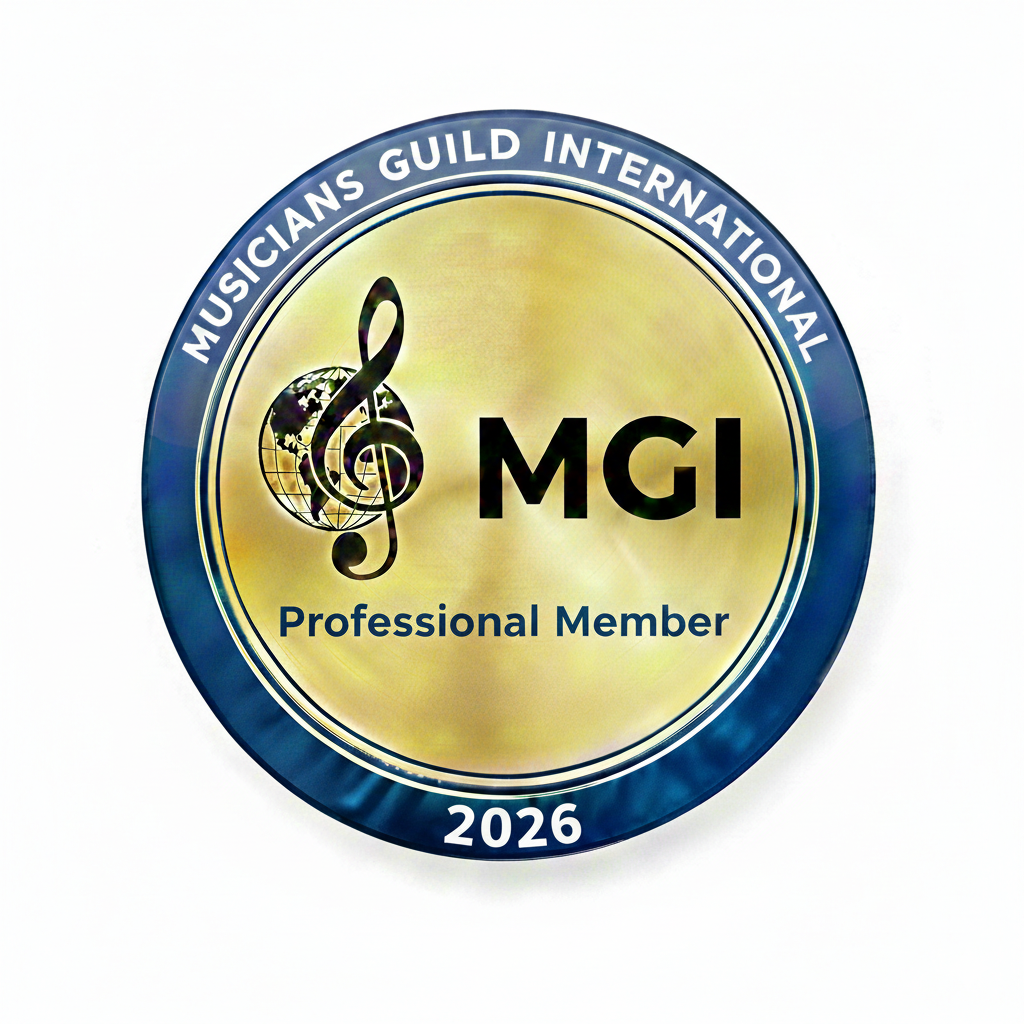
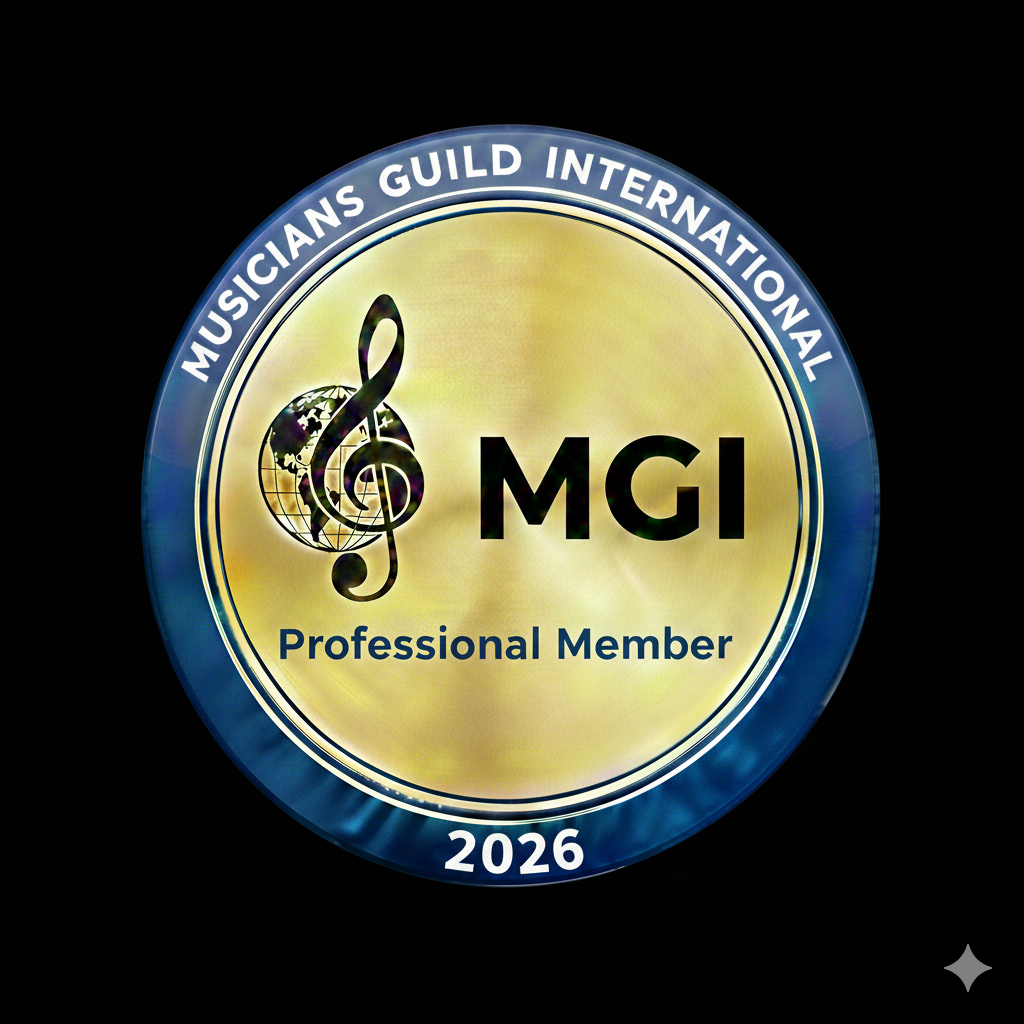
Official MGI Member Badge
As a member of Musicians Guild International, you have earned the right to display the Professional Member Badge. This badge serves as a digital “seal of approval,” signaling to clients and agencies that you adhere to our Global Code of Ethics.
You can use either the badge with a white or black background.

How to Install Your Badge
Step 1: Save the Image Right-click the badge above and select “Save Image As…” to download it to your computer. We recommend placing this on your website’s footer, “About” page, or near your booking contact form.
Step 2: Link to Your Credentials A badge is most effective when it is clickable. When your clients click the badge, it should take them to your “proof of standards.”
Use this link for the image: https://yourwebsite.com/ethics (Replace with your actual Ethics page URL)
Step 3: Social Media & Email You may also use this badge in your:
-
Email Signature
-
Instagram “Highlights” or Profile
-
Electronic Press Kits (EPK)
Why Display the Badge?
-
Instant Trust: Shows you are vetted by an international body.
-
Professional Edge: Differentiates you from hobbyists.
-
Contractual Weight: When the badge links to our Code of Ethics, it reinforces the “Professional Reliability” clause in your performance contracts.
A Tip for your WordPress “Classic” Setup:
Since this page is specifically for members, you can keep your main website menu clean by not adding this page to your primary navigation bar. Instead:
-
Go to Pages > Add New and publish this.
-
Copy the URL (e.g.,
yourwebsite.com/member-badge). -
Just send that specific link to your musicians in their “Welcome” or “Contract” emails.


